Gemini turns prompts into interactive visualizations and 3D models inside chat
Original: Gemini can now transform your questions and complex concepts into customizable interactive visualizations directly in your chat. Adjust variables, rotate 3D models, and explore data for a more immersive way to learn and explore in Gemini. View original →
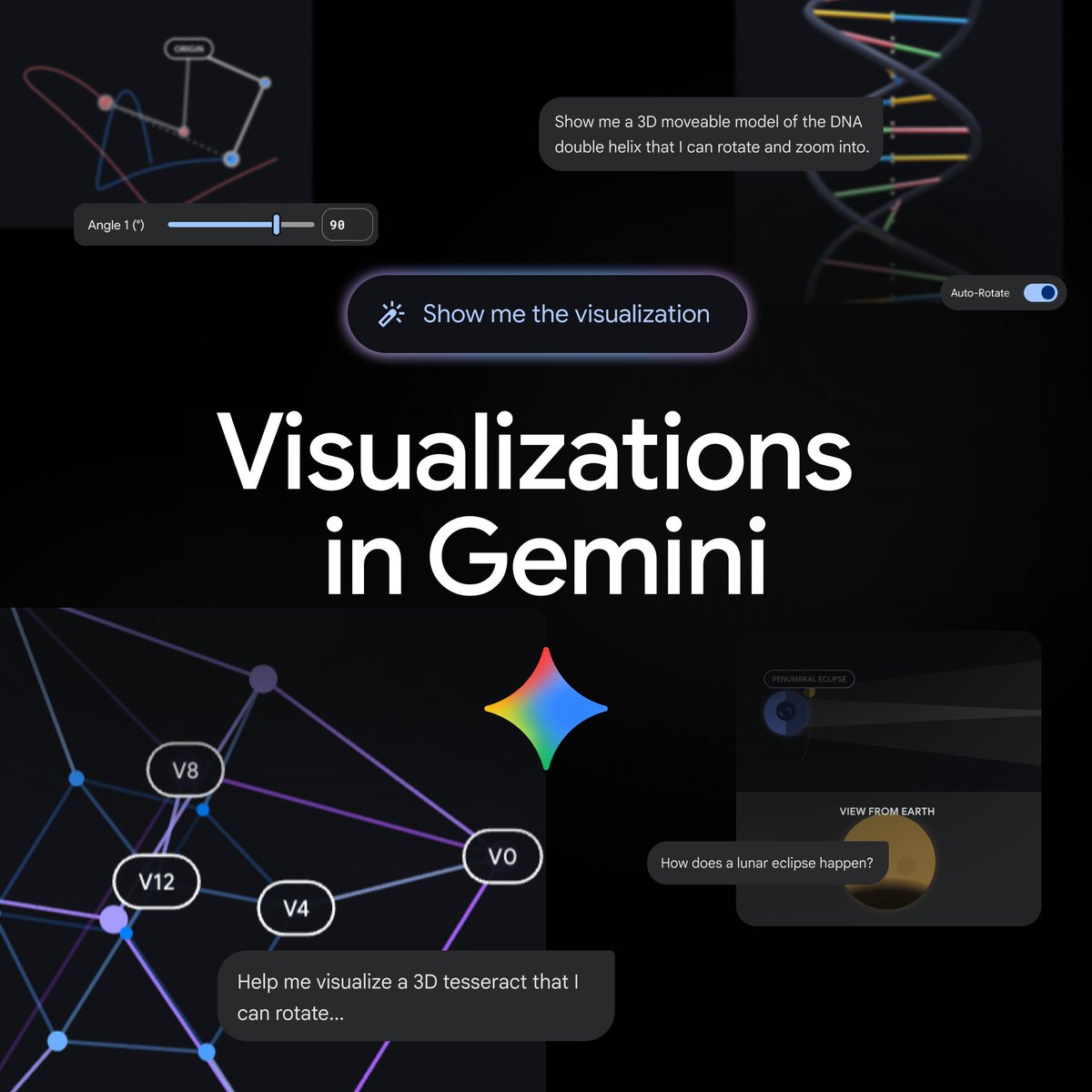
What Gemini added
On April 9, 2026, Gemini said on X that it can now turn questions and complex topics into customizable interactive visualizations directly in chat. Google’s accompanying product page says this goes beyond text explanations and static diagrams: Gemini can now generate functional simulations that users can manipulate instead of just read about.
Google’s example is orbital motion. Rather than looking at a fixed illustration, a user can adjust sliders or enter exact values for variables such as gravity strength and initial velocity to see how those changes affect whether an orbit remains stable. Google also says users can rotate a molecule or explore other complex systems from a single prompt. To access the feature, Google recommends choosing the Pro model in the Gemini app and asking Gemini to “show me” or “help me visualize” a concept.
Why it matters
This changes the shape of the Gemini app in an important way. Most assistants still explain complicated ideas primarily through prose, tables or a static image. Interactive visualizations turn the answer into something the user can probe. That is especially useful for science, engineering, finance and education use cases where insight often comes from changing one variable at a time and watching the system respond.
Google says the feature is rolling out globally to all Gemini app users, although it is not yet available for Education and Workspace accounts. An inference from the launch is that Google is pushing Gemini toward a lightweight simulation layer as well as a reasoning layer. If that works, the product becomes more than a text-first chatbot: it becomes a place where users can ask a question, inspect a model, tweak assumptions and learn interactively without switching tools.
Sources: Gemini X post · Google product post
Related Articles
Google’s Gemini Flash update is less about another model name and more about the economics of long-running agent workflows: fewer output tokens, lower prices, and a cyber-specialized variant tied to CodeMender.
Google said on March 19, 2026 that Google AI Studio now offers a full-stack vibe-coding experience powered by the Antigravity coding agent and Firebase integrations. The company says Build mode can generate multiplayer apps, manage server-side logic, store secrets securely, and wire up Google Maps and authentication flows from natural-language prompts.
Agentic RL training often wastes accelerator time while agents wait on tools, code execution, web search, or environment steps. Google Tunix attacks that bottleneck with asynchronous rollouts, a producer-consumer training pipeline, and lightweight RL-specific profiling for JAX and TPU workflows.